


Get your share link
To collect feedback, start by clicking on the Share button in the editor navbar.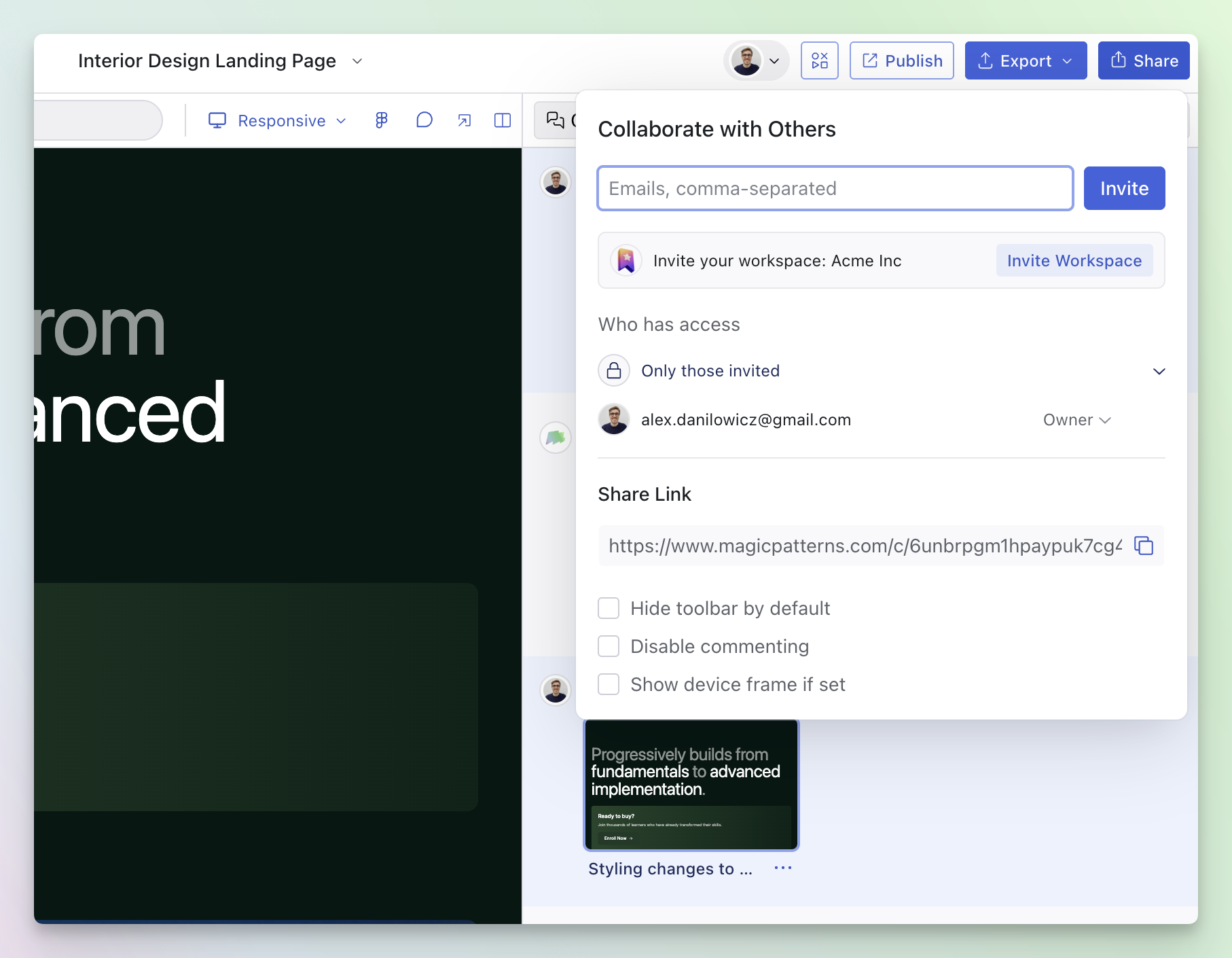
Enter Comment Mode
From the editor
- Click the comment icon in the editor navbar to toggle Comment Mode.
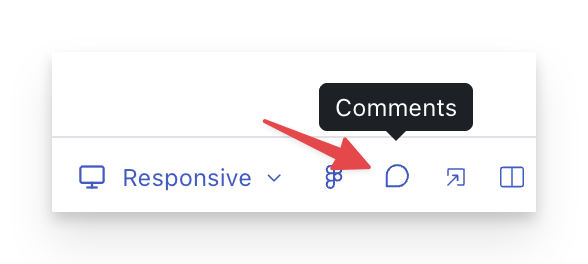
From the share link
- Open the preview link and click the comment icon to toggle Comment Mode.
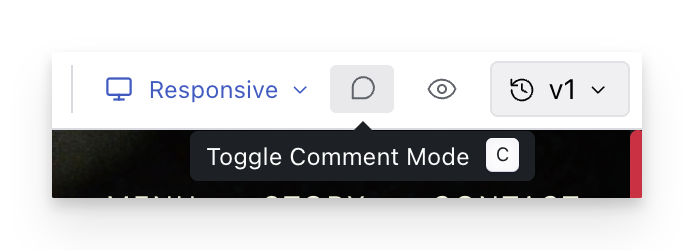
Add an inline comment
Once Comment Mode is enabled:Comments are tied to elements in the design. If you resize
the screen and elements move, your comments stay anchored to the right
elements.

Commmon workflows:
- Async design reviews: Share a preview link, ask reviewers to leave comments directly on the relevant UI, and iterate without long meetings.
- Collecting feedback: Product, engineering, and stakeholders can comment on exactly what they mean—even if they’re not editing the design.
- Bug or polish tracking: Use comments as a lightweight checklist while you refine the UI (resolve items as you address them).
- Version-aware feedback: Comments can be grouped by design version, so you can understand what feedback applies to which iteration.